iPad Mini (A17 Pro) for Photographers: Is It Enough?
TL;DR
TL;DR
The iPad Mini with Apple’s A17 Pro chip is plenty powerful enough for photographers working with RAW files up to 40-50MP. The screen is small but reliable. The Apple Pencil Pro is mandatory for masking and local adjustments, and the Lightroom Cloud workflow, once set up, is frictionless. //
The best photography-related purchase I’ve made in the last couple of years had absolutely nothing to do with cameras or lenses.
I covered this in a recent Snap & Yap video (that 30,000+ people have watched, by the way, so thank you!), but the short version is this: it’s an iPad.
Specifically, the iPad Mini with Apple's A17 Pro chip.
If you’ve ever felt as though being stuck to your desk and a laptop feels more like the consequence of having taken photos than a rewarding part of the creative process, you might benefit from a tablet-first workflow. Let’s discuss.
Is the iPad Mini big enough for photo editing?
Long story short, it walks the line, but I find it perfectly functional for photo editing in Lightroom.
I’ve stated before that I’m glad I’m not coming from a larger screen down to the Mini, but then again, I was used to editing on a 14” MacBook Pro, so I kind of am.
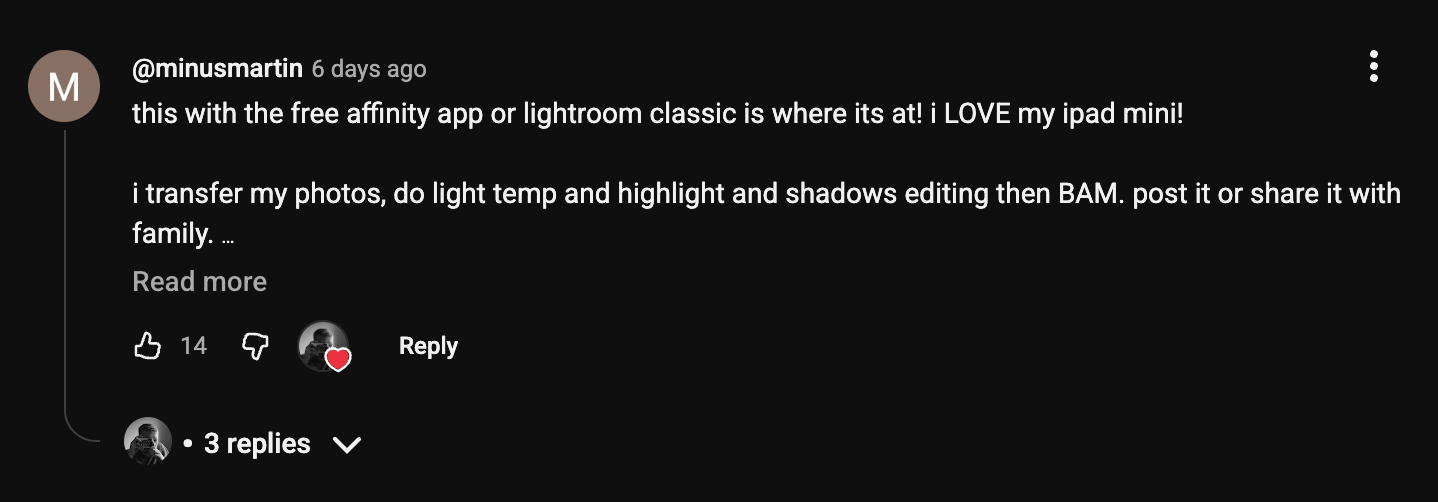
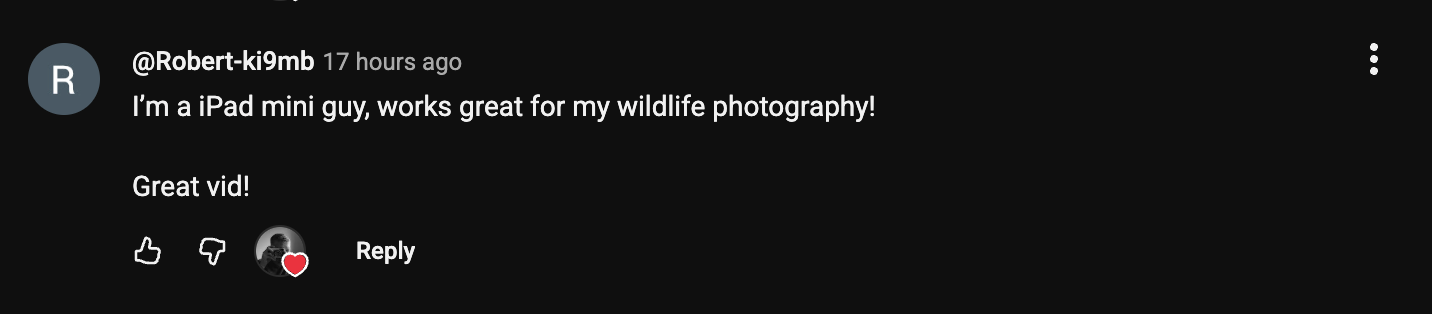
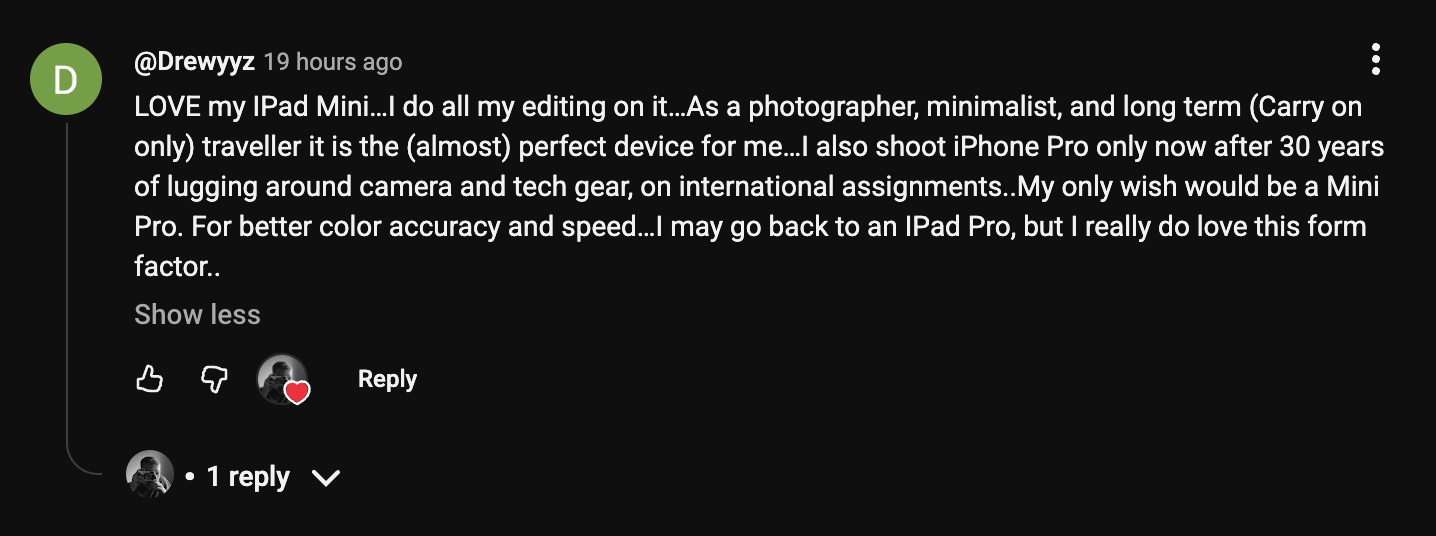
And actually, I thought the iPad Mini was a pretty polarizing choice for photography, but in the comments section of the video I mentioned above, it got a lot of love.
Hardly anyone had complaints about it, and people with larger iPad models even mentioned wishing they’d given the Mini a shot in the name of sheer portability.
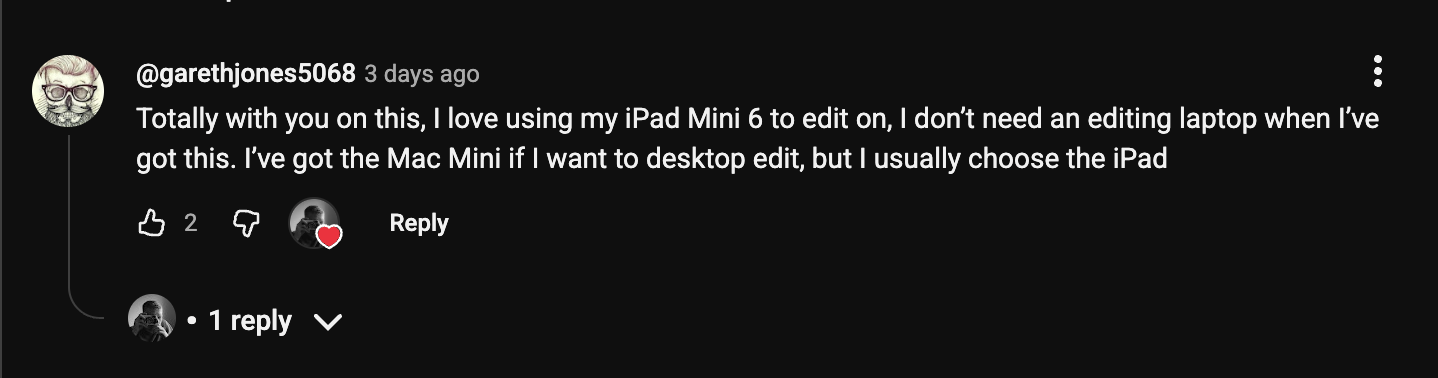
The screen size made me hesitate initially.
Full disclosure, I played around with an Air, a Pro, and a Mini in an Apple store for at least an hour before I finally made a decision.
But that form factor is the whole point. It never feels like a burden, and I love it for that.
I never appreciate it more than when I'm on a plane, sitting in a brewery, or editing at a cafe where my laptop would take up half the table.
The iPad Mini fills portability gaps I didn't even know I had.
Is the A17 Pro Chip Powerful Enough for Photo Editing?
Yes. For the vast majority of real-world photography workflows, the A17 Pro is more than capable. This is the question I see almost as often as inquiries about screen size, and I think it’s maybe time for some bluntness:
If you find yourself concerned that the iPad Mini won’t have enough power to handle the work you’re throwing at it, you’re probably never going to be happy with such a minimal device.
Working with both 26MP and 40MP files, I’ve never had an issue editing on the mini.
Multiple masks, copying edits to dozens of images. It doesn’t slow me down, and I’ve never felt like I made any kind of sacrifice on processing power.
When the iPad Mini Might Not be Enough…
If you’re doing compositing, focus stacking, or running multiple demanding apps simultaneously, I definitely think you should look at higher-end devices, but for my needs, it doesn’t even break a sweat.
And if you’re working with video, even somewhat seriously, it’s not going to cut it.
Is the iPad Mini display good enough for photography & color work?
The 8.3-inch Liquid Retina display on the A17 Pro model is sharp, color-accurate, and genuinely pleasant to edit on.
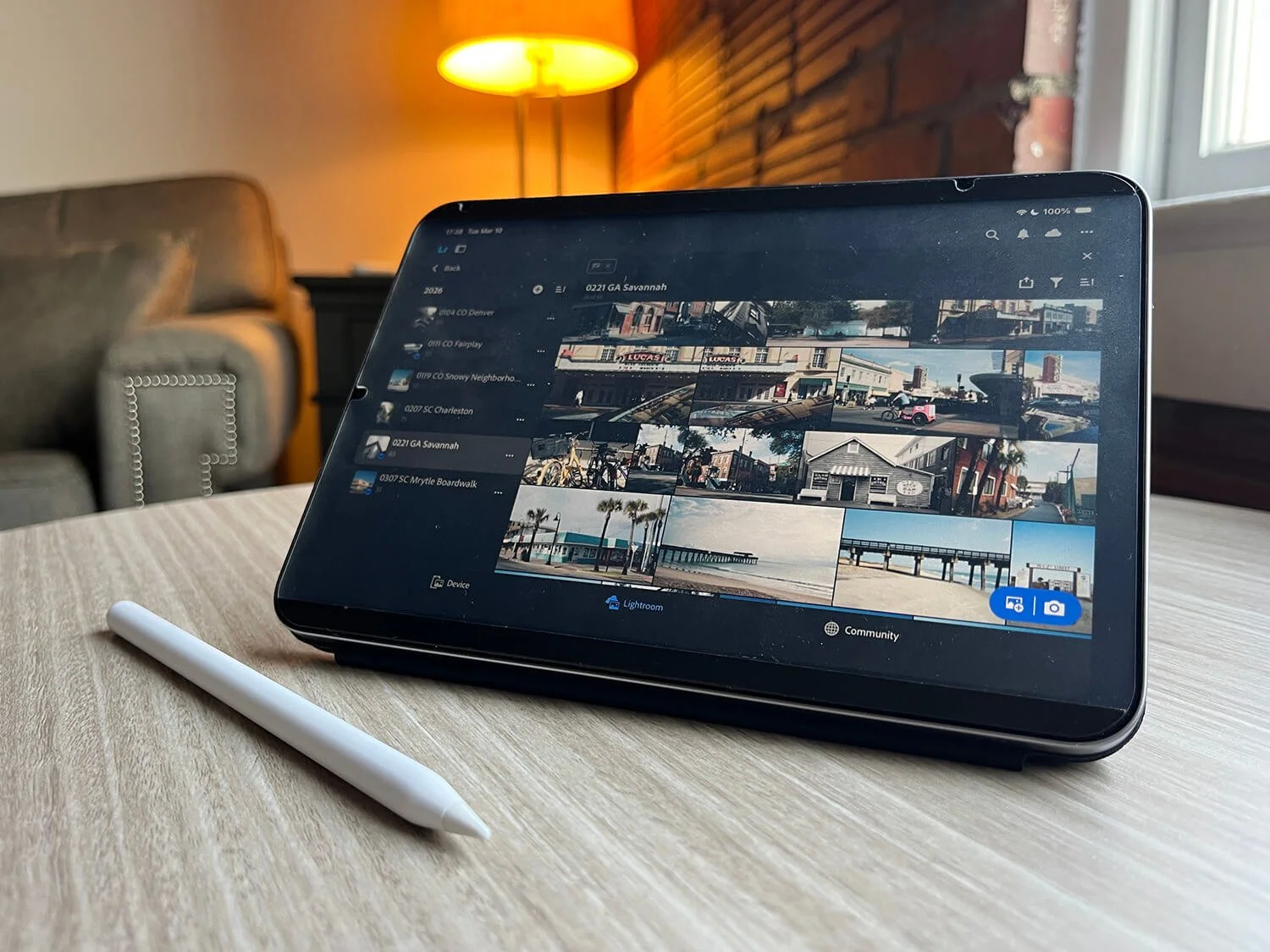
But it's not a pro-level color grading monitor. I do double-check all my work back on my laptop before exporting. What the Mini excels at is initial edits, reviewing shots, getting colors 90% of the way there, sometimes closer to 100%, honestly, and being a breeze to use anywhere.
If you're someone who needs to pixel-peep at 400% zoom, and deliver meticulously calibrated work for paying clients… the Mini will not do those things particularly well.
If your workflow is more about moving quickly and getting great-looking images for your website or social media, you’ll be just fine.
Some basic best practices:
Turn True Tone off
Set the screen brightness between about 50-70%
…and my favorite tip: I love the night shift feature, which makes the display easier on the eyes at night, but I have an automation that disables the feature whenever I open certain apps (Lightroom, Photoshop, Procreate) where color accuracy is important.
Takes 5 minutes to set up, so you don’t have to disable it completely.
Apple Pencil Pro for Photographers
The Apple Pencil Pro is critical. The Mini (and all iPads, really) would feel incomplete without it.
The tactile pen-on-paper vibe of the Apple Pencil adds a hands-on feeling to editing that's hard to go back from.
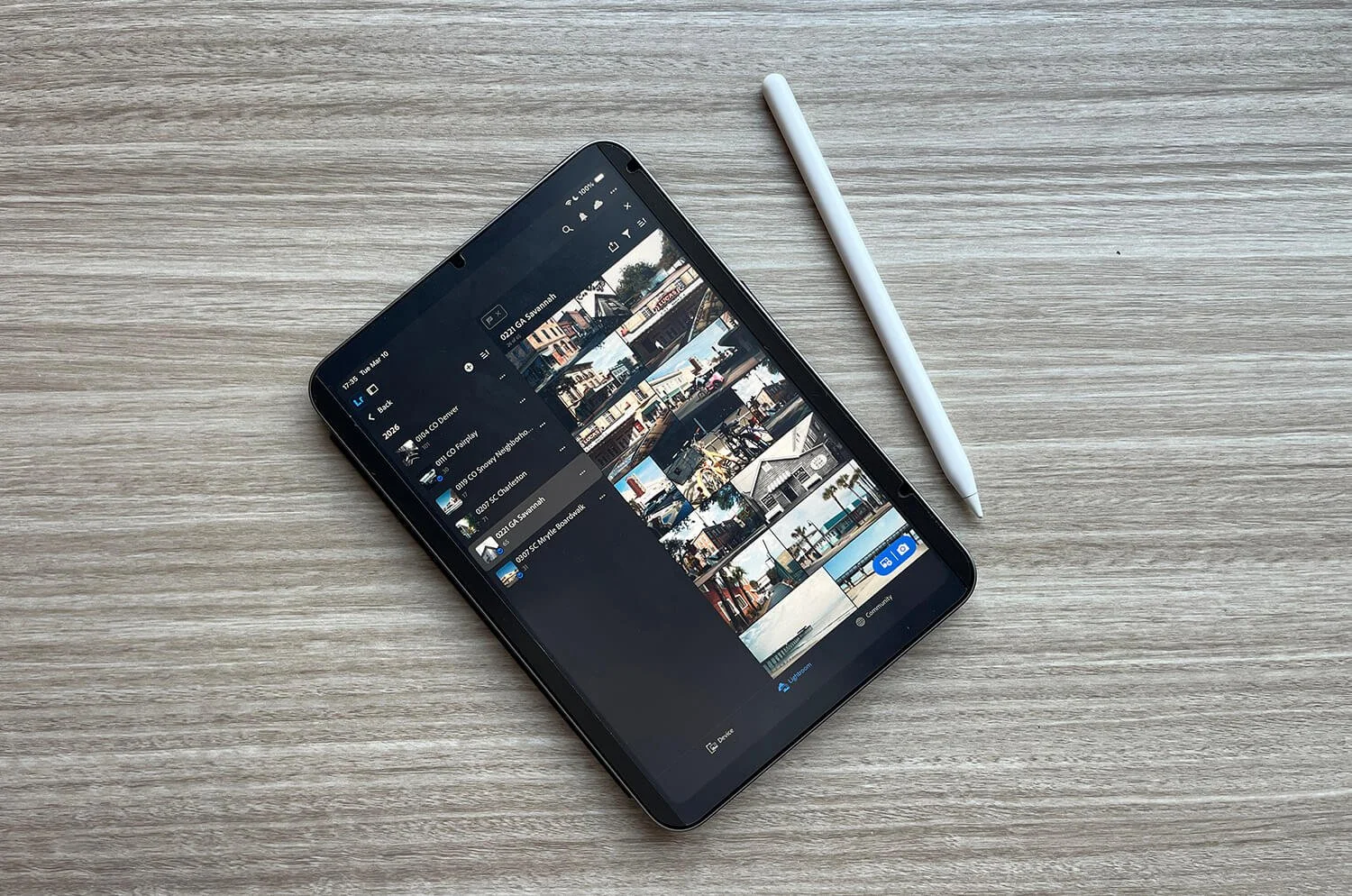
Masking in Lightroom becomes dramatically more intuitive. Painting on local adjustments, cleaning up dust spots, or even just adjusting sliders and color wheels feels so much more doable and precise than with a finger.
I swear Apple hasn’t paid me to say this, but it’s a tool I actually look forward to having in my hand. Plus, it wirelessly charges & attaches magnetically to the side of the device. No brainer.
My Lightroom Cloud Workflow with the iPad Mini
The workflow is the one thing that held me back the longest. I love mine now.
Here's how it looks from start to finish. And I’m especially proud of how it does not include EVER ONCE plugging any kind of dongle into the iPad:
Offload SD card via laptop. I still import to my laptop first. Straight to an SSD that’s automatically backed up to the cloud.*
*I use Backblaze for their wonderful unlimited storage plan (again, not a sponsor, just a great service I’ve been using for years) that’s somehow really affordable too.
Cull in Adobe Bridge. Criminally underrated software that anyone with an Adobe ID can get for FREE. You don’t even need to pay for an Adobe subscription. I flag keepers here before they ever touch Lightroom.
Add winners to Lightroom. ONLY the good photos make it into Lightroom, where they sync automatically across all devices, even my phone, via Lightroom's cloud ecosystem.**
**This works on Lightroom Classic or Cloud.
Edit on the iPad Mini. Work through the photos while edits auto-sync back to my desktop.
Optional: Download albums locally. Once my photos sync, I tend to store albums I’m currently working on locally so that I can pick up edits anywhere, wifi or not. Couch, plane, bar, concert, middle of the woods, etc.
Finishing touches on laptop. I finish & export on the laptop where everything else lives.
Best part about this workflow? Besides being dongle-free?
I do exactly zero things that I wouldn’t already do with or without the iPad Mini in the mix, and yet the device has live access to my photos throughout the editing process
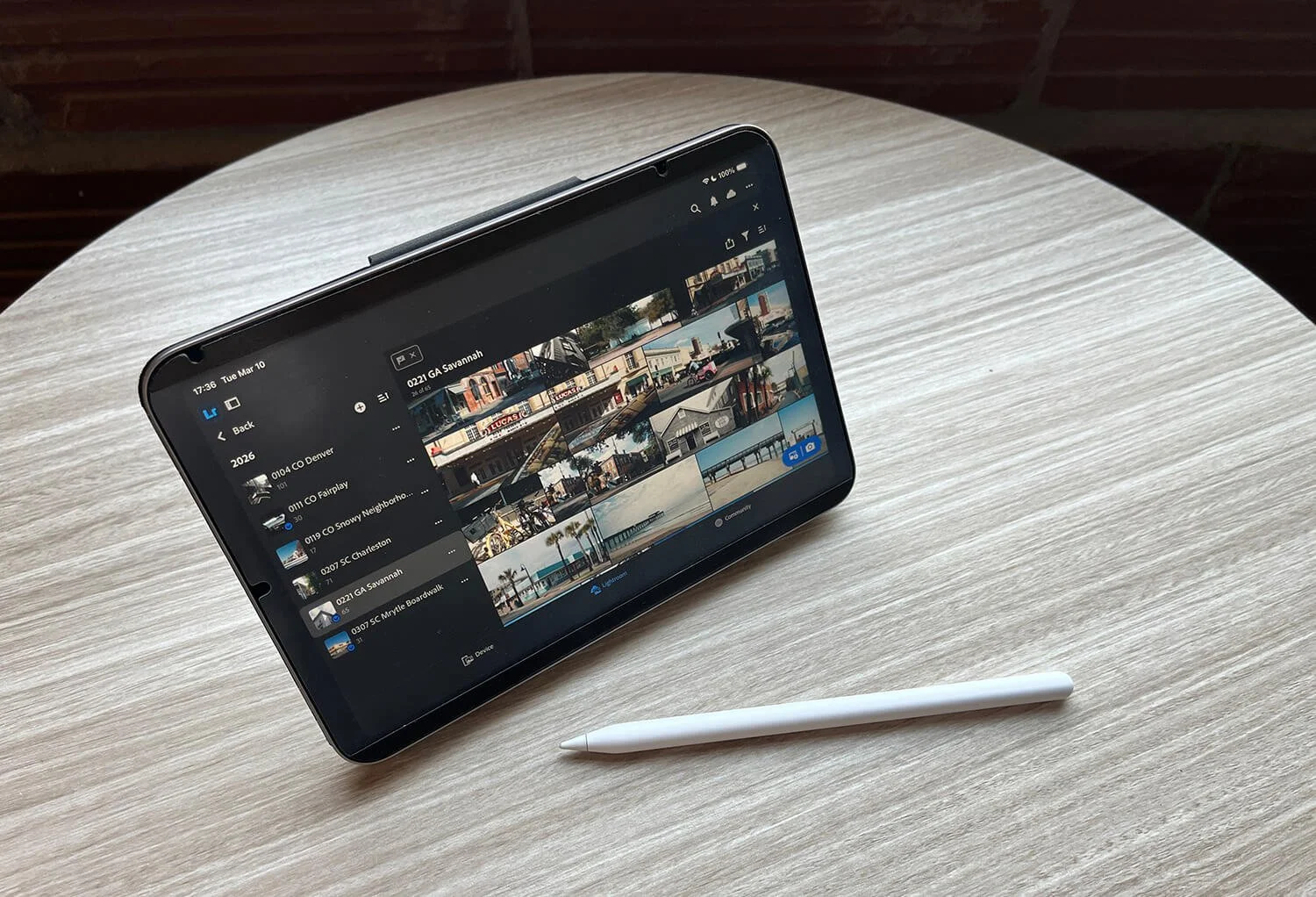
Is the iPad Mini 7 Worth It for Photographers?
Without hesitation. At least for me, a photographer who initially had many hesitations.
It's another device, another mouth to feed (battery to keep charged), and another screen to stare at as this dystopian world comes crashing down around us. But I use it every single day, whether as an e-reader, a drawing tablet, or a photo editing tool… which is frankly more than I can say for many photography gear purchases.
We tend to think of laptops as the gold standard for portable, versatile workflows. The iPad Mini takes that a step further: It goes everywhere while also being more tactile, more engaging, and simply more fun to use than a standard mouse & keyboard setup.
If you're on the fence about the Mini's size specifically, I actually think I'd use it less if it were larger. The value proposition is the form factor. A bigger iPad is a different tool for a different use case.
Thanks for reading!
Questions? Hate comments? Feel free to weigh in below or get in touch on socials.