Filmbox Looks Review: Pro-Level Film Emulation for Less Than You’d Think
When it comes to film emulation, the filmmaking community is lucky in the sense that there aren’t many bad options. That said, I want to take a minute to tell you why Filmbox (specifically, Filmbox Looks) has rapidly become my favorite, and utterly transformed my color grading process.
I used Dehancer to grade most of my footage for years. It’s a great tool, but Dehancer has been metaphorically collecting dust in my plugin library for about six months now.
Ever since I installed Filmbox (affiliate link), to be precise.
What Filmbox Looks Improved in My Workflow
Ease of use and speed. Exactly what it says on the tin.
Don’t get hung up thinking of Filmbox Looks as a watered-down version of Filmbox Pro. After testing it extensively, I think it’s better understood as the tool that was designed to give you just the right balance between flexibility and guard rails to deliver professional looks very quickly.
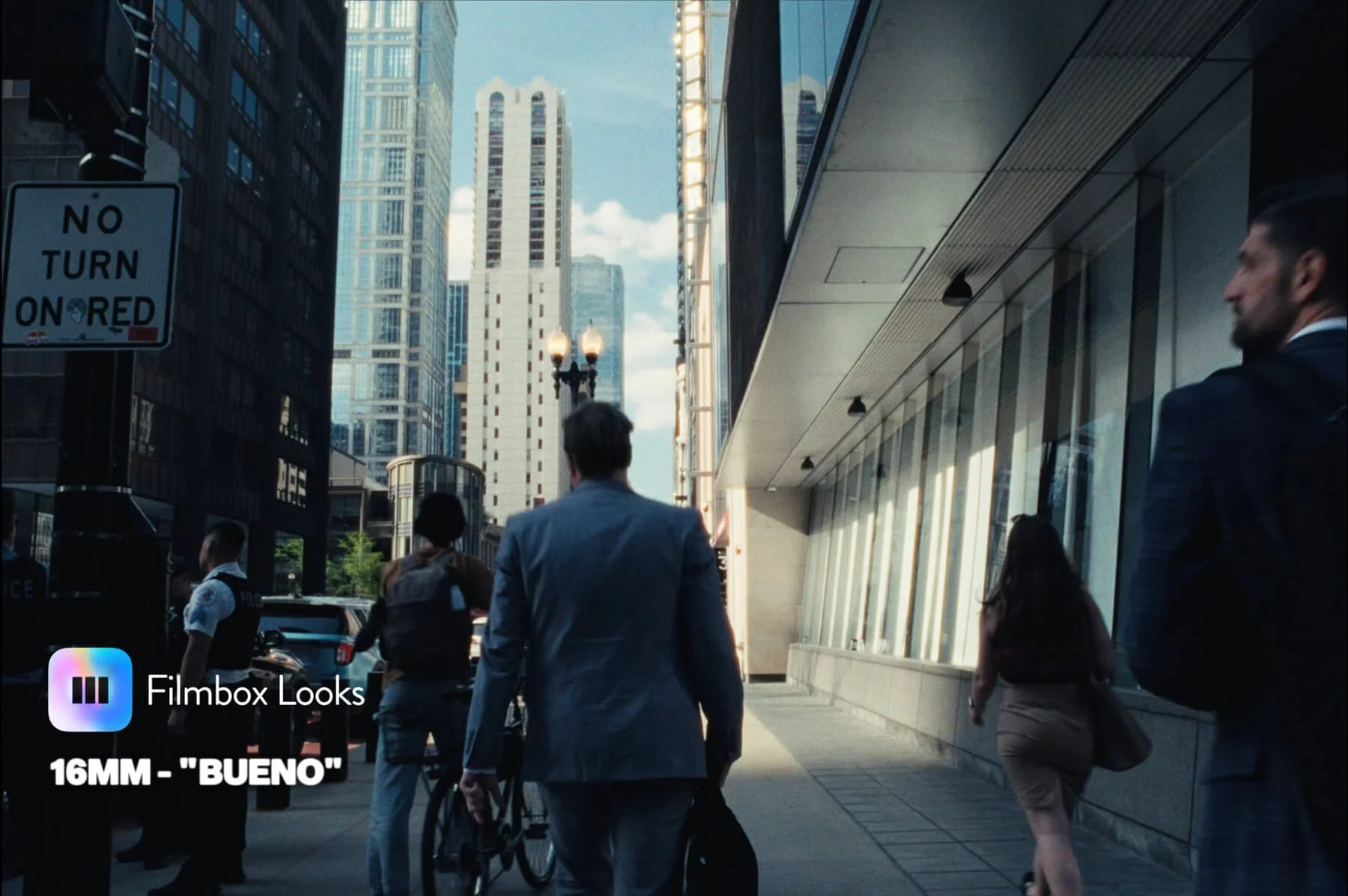
Filmbox's Pro version is an extremely capable tool, and professional colorists have used it on projects like
Everything Everywhere All At Once
A Real Pain
Theater Camp
Saturday Night Live
Beef
1923
Rooster
Fantastic Four: First Steps
But I'm going to focus primarily on Filmbox Looks here, because that's the plugin that's actually changed my day-to-day editing.
I've been grading everything in Filmbox Looks for over six months now, including the talking head footage and everything else in the video above. Honestly, if you've watched anything on my channel this year, it was either entirely or mostly graded with Filmbox Looks.
Filmbox Looks distills what Pro does into a set of curated film emulation looks, along with the most critical controls you'd need to fine tune your grades on a smaller-scale project for something like YouTube.
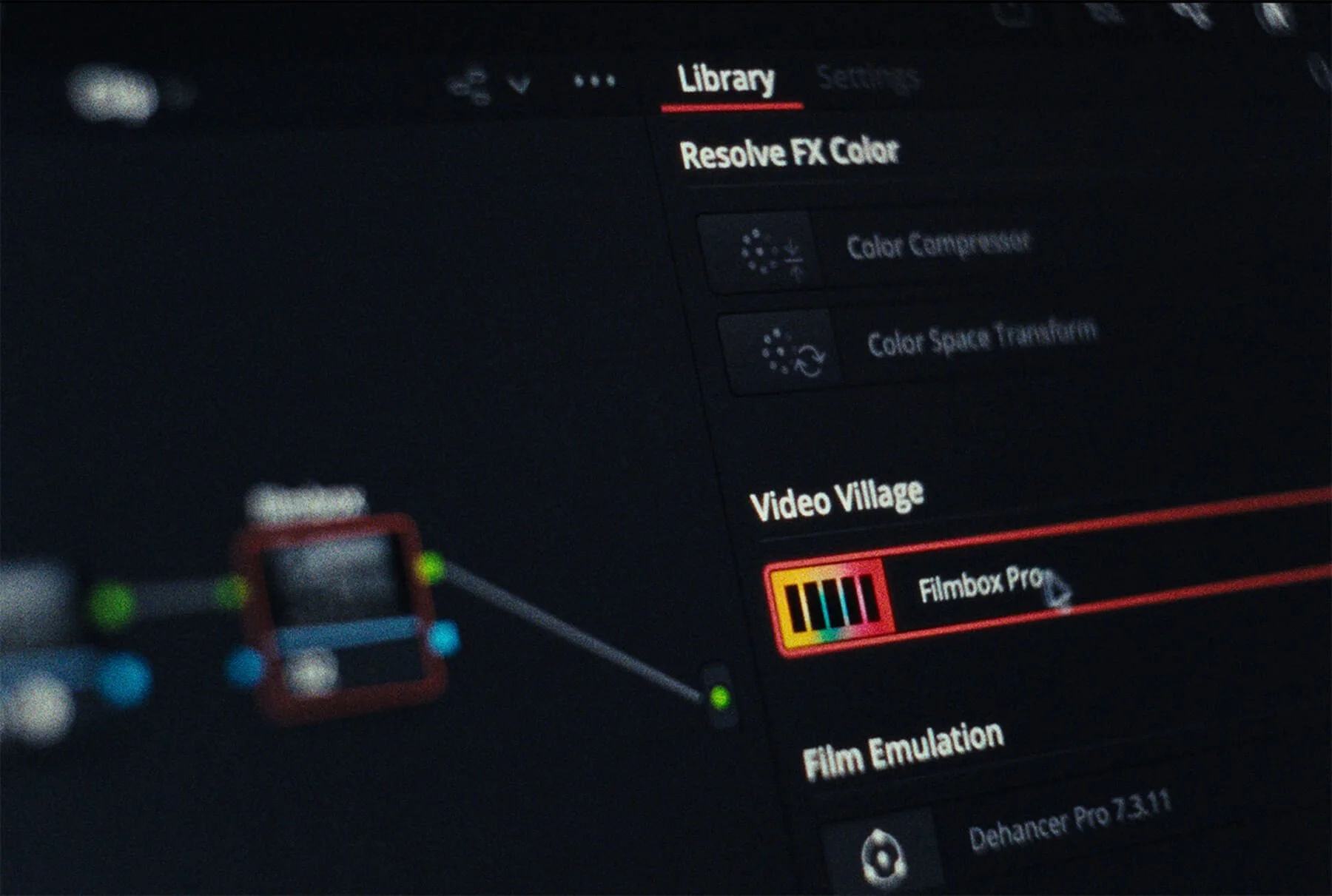
I haven't missed sifting through pages of sliders I hardly touch at all.
If I ever want to fix something specific that Looks doesn't give me control over, I can just toss another node into DaVinci and make a targeted correction. And to be transparent, when I do need to fix something specific, it's usually one of two things:
Qualifying and compressing skin tones
Basic curve adjustments to fine-tune exposure
Other than that, Filmbox Looks handles about 80-90% of the heavy lifting on its own, especially if I've done a decent job with the footage in camera.
How Does Filmbox Looks Work?
Filmbox Looks is simple. You tell the plugin what kind of footage it's working with (FLOG, SLOG, etc.), choose a look based on different film emulations, and adjust basics like exposure and white balance.
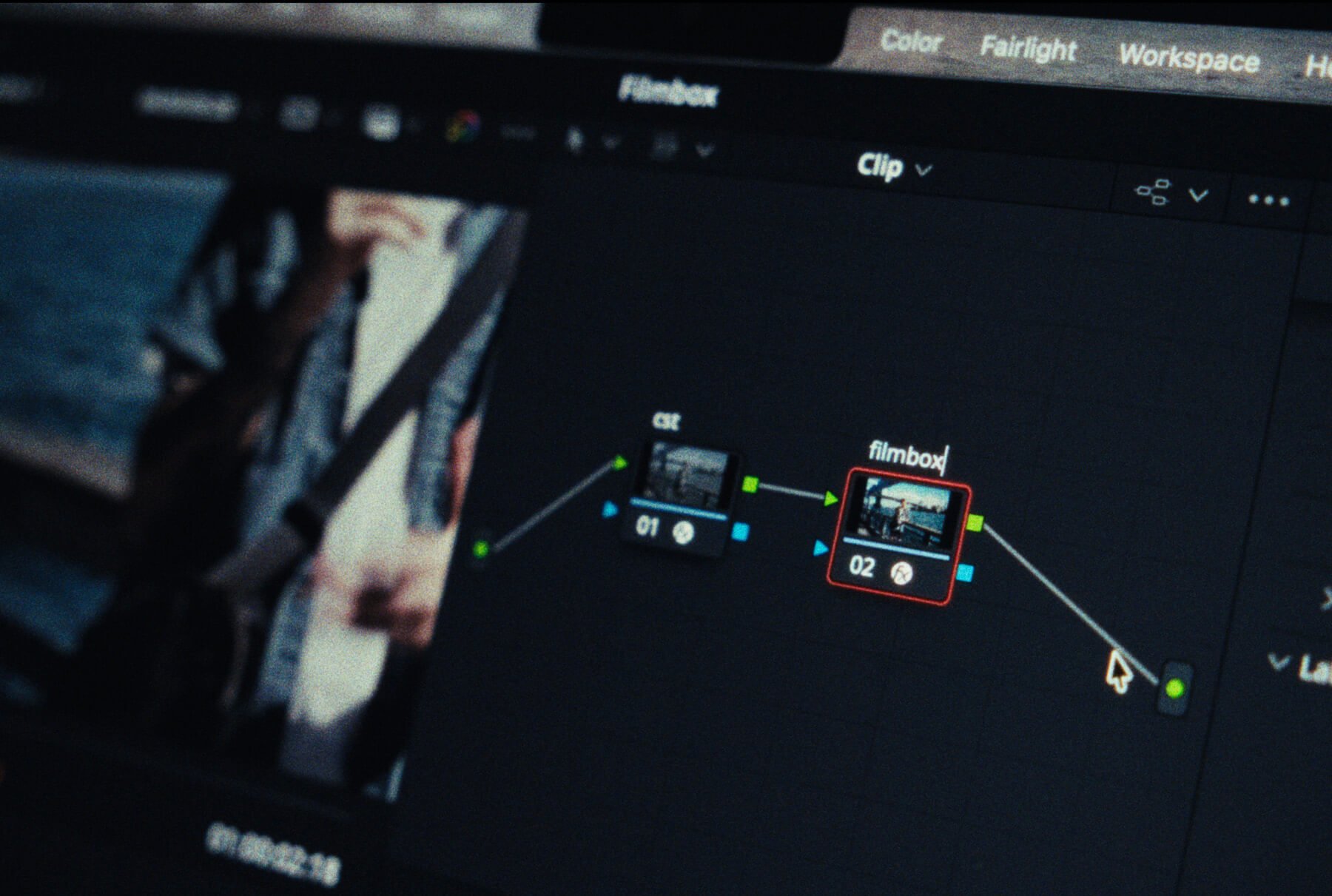
Once you have look you want, you can tweak effects like grain, halation, dust, gate weave, etc.
From what Video Village has explained to me, these looks are essentially presets built in the full version of Filmbox that are meant to be relatively flexible & plug-and-play.
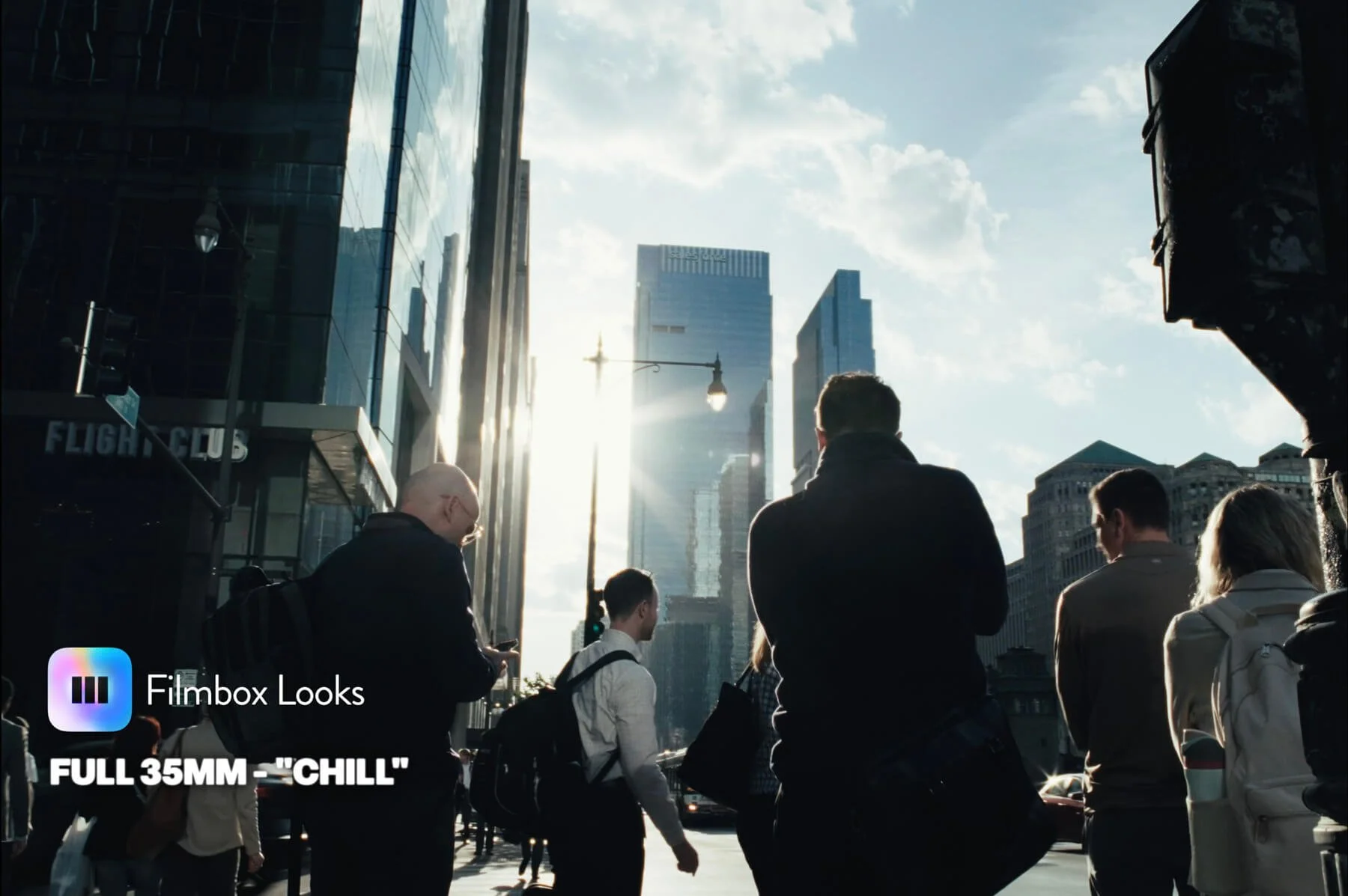
I love that you can select a category like 16mm or 35mm emulation and flip through different looks, quickly sampling how each one affects your footage. There's everything from super subtle profiles that would look great on a dialed back, corporate project, to shaky, grainy 8mm film emulation, or even looks inspired by Wes Anderson and David Fincher films.
It's allowed me to slash the time I spend color grading, and actually give me looks I’ve come to prefer, instead of making any kind of compromise in quality.
Filmbox Looks vs. Filmbox Pro
I didn't have access to Filmbox Pro until I partnered with Video Village, but I've now spent a couple of months getting to know it a little better.
I'll be upfront, there are people better equipped than me to cover everything Filmbox Pro can do. But what I can say is that it's a wonderland of color grading tools and effects. I always feel like a kid wandering through an amusement park unattended when I’m working in there.
Take JUST the settings for grain. Want to change grain density independently in the shadows, midtones, or highlights? Done. Want to emulate one film stock's color profile but borrow another stock's grain structure? Check.
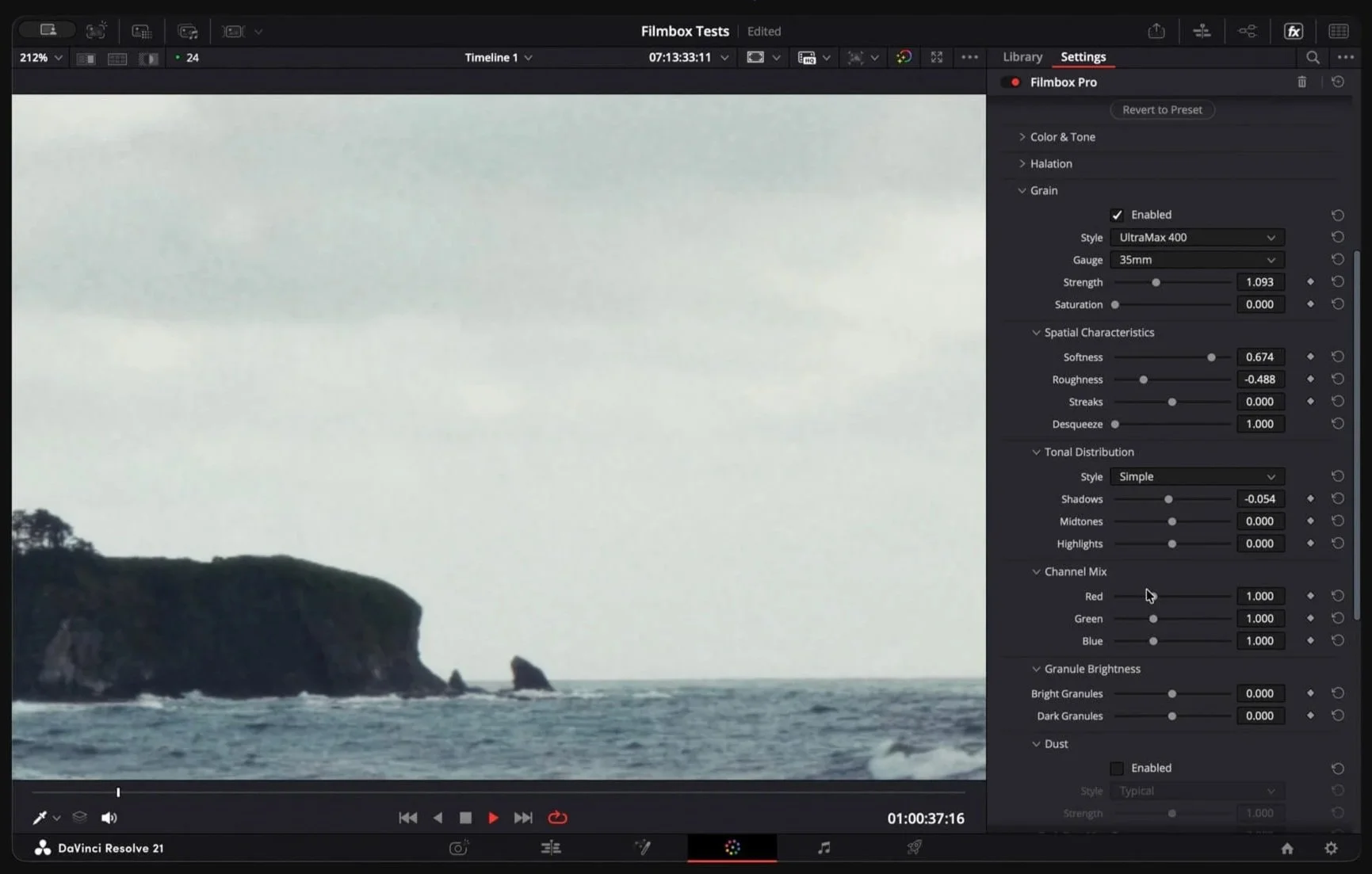
There's also an entire module just for split toning.
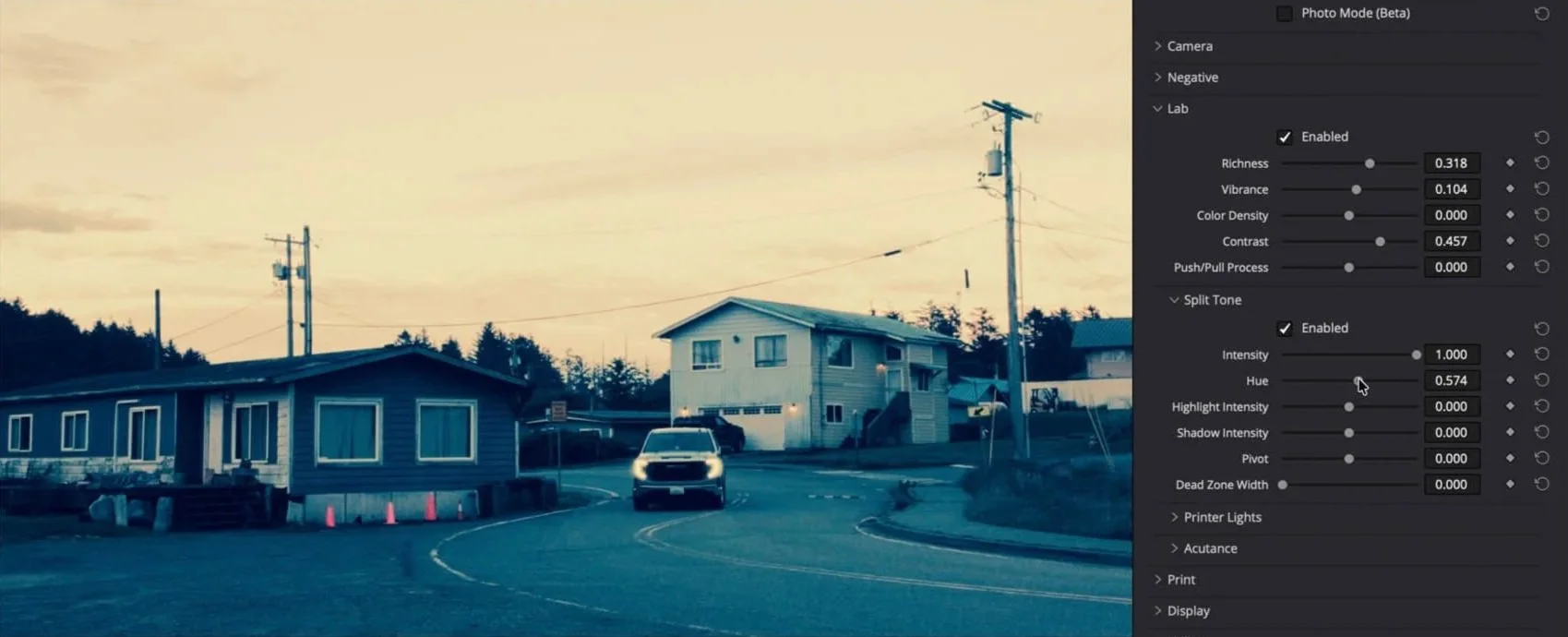
One feature I've been loving in particular: instead of a single vibrance slider, Pro gives you richness, vibrance, and color density, plus a push/pull simulation slider on top of standard contrast. That section alone is probably what I appreciate most about Pro over Looks.
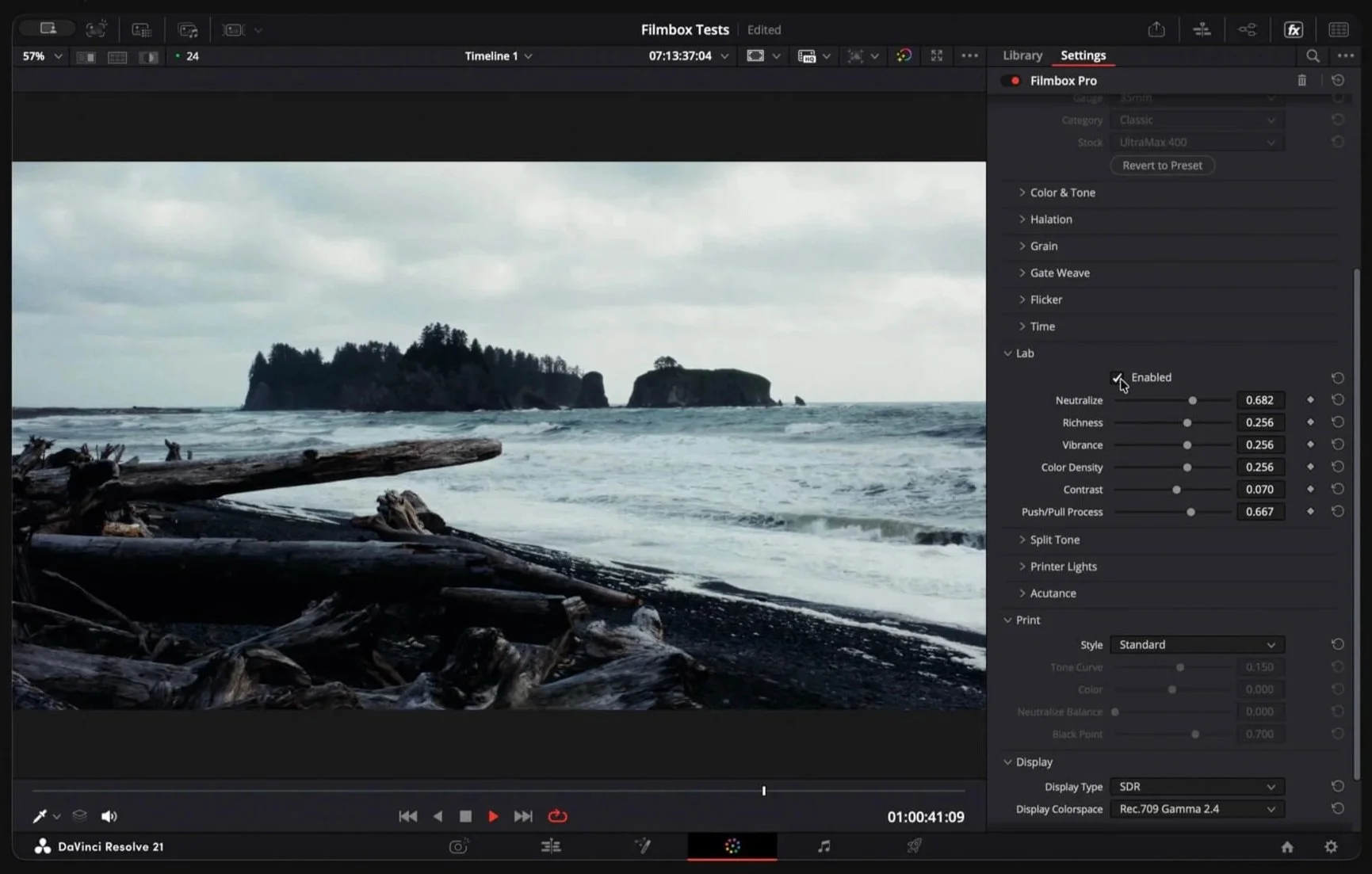
It would take forever to cover everything Filmbox Pro can do, and I want to stay focused on Filmbox Looks since that's the plugin that's actually expedited my workflow. But where Looks gives you exactly what you need and spits out great footage fast, Pro lets you tweak every imaginable setting, and maybe a few you can't imagine.
My favorite feature after a month with Pro: if there's something I'm not fully happy with in Looks, I can click a button at the bottom of the plugin that sends my progress into Filmbox Pro for more precise tweaks, then move on to the next clip without adding that complexity to my everyday workflow.
Filmbox Pricing: Is Filmbox Looks Worth It for Small Creators?
For smaller creators on a budget, Filmbox Looks is a strong value.
Filmbox Looks starts at $29 every three months, or $199 for a perpetual license, and Video Village has a really cool system where you can credit past spend toward a perpetual license for either version of Filmbox.
I don't think I've seen a more customer-friendly structure in this space, to be honest.
There's a free trial, but it's also one of the easiest plugins to demo long-term before committing to a lifetime license. That's exactly what I just spent most of this year doing with my own money before partnering up with Video Village.
Let’s say you pay quarterly for Filmbox Looks and test it out for 6 months, you can take what you spent so far, and credit it toward up to 50% of the value of a perpetual license. If you decide later on, that you’d like to upgrade to Pro, you can credit what you spent on Looks toward THAT perpetual license.
In a world of predatory SaaS companies, that’s worth acknowledging.
If you do want to try Filmbox yourself, I've got a discount code that’ll save you a bit of cash (NICKGUNN), or you can grab it here using my affiliate link. Thanks as always for reading, and leave a comment if you’ve got any questions I didn’t cover here.
If you're curious about how this compares to the still-photography side of my color workflow, I broke down the difference between Lightroom presets and color profiles in an earlier post. And if you want to see Filmbox Looks on a real project, this whole video (shot on my Fujifilm X-H2S) was graded with it start to finish.
Thanks for reading!
Questions? Hate comments? Feel free to weigh in below or get in touch on socials.